Chapter 8: How AI Tools Are Used in Business Process Automation and RPA
Course Outcome
VCCS-8. AI in Business/Designing Business Report Prompts: Examine the benefits of AI-powered process automation and robotic process automation (RPA) in improving business productivity and efficiency.
AI tools are already being used in Business Process Automation and Robotic Process Automation in businesses and government agencies. The important point is how they are being used. In 2026, most organizations are not handing entire business departments over to free-roaming artificial intelligence. Instead, they are combining older automation tools with newer AI tools inside controlled workflows: extracting information from documents, routing cases, drafting responses, summarizing tickets, checking policy rules, and asking a human to review exceptions.
That may sound less dramatic than the popular idea of “AI agents running the company,” but it is more realistic and more important. Most business work is not one giant decision. It is a chain of smaller tasks: receive a form, read it, check it against a policy, update a system, notify someone, wait for approval, and keep a record. AI is being inserted into those chains where older automation was too rigid.
1. The basic vocabulary
A business process is a repeatable series of steps that produces a business result. Hiring an employee, paying an invoice, resetting a password, approving a refund, ordering supplies, or processing an insurance claim are all business processes.
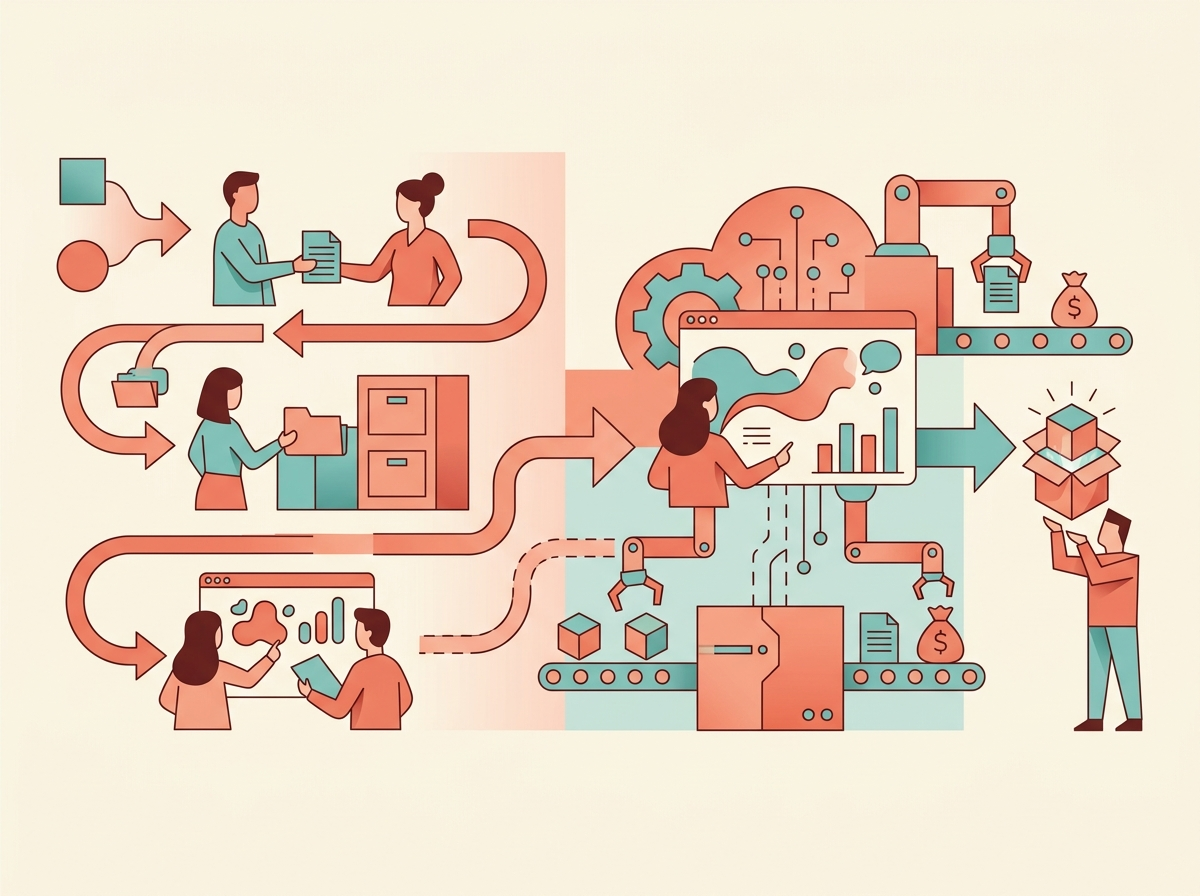
Business Process Automation, often shortened to BPA, means using software to automate all or part of a business process. BPA usually focuses on the process as a whole: who starts it, which systems are involved, what approvals are needed, what records are created, and how the process is measured.
Robotic Process Automation, or RPA, is a narrower kind of automation. An RPA “bot” is software that imitates human actions on a computer: clicking buttons, copying and pasting data, opening emails, downloading files, filling forms, and logging into business applications. The “robot” is not a physical robot. It is software running on a computer or virtual machine. A U.S. General Services Administration audit described RPA bots as tools that simulate human actions such as copying data, filling forms, signing into applications, and sending emails. The same audit also warned that bots can perform many actions quickly, so they need strong security controls.
An application programming interface, or API, is a software-to-software connection. If one system can send information directly to another system through an API, that is usually cleaner than having a bot click around a screen. RPA is especially useful when the older system does not have a good API, or when replacing the system would be too expensive.
Artificial intelligence, or AI, means software that performs tasks that normally require pattern recognition, prediction, language understanding, or decision support. In BPA and RPA, AI commonly helps software read documents, classify requests, summarize text, detect anomalies, recommend a next step, or generate a draft response.
Generative AI is AI that creates new text, images, code, or other content. A large language model, or LLM, is a generative AI system trained to work with human language. In automation, LLMs are often used to summarize a customer complaint, draft an email, turn a plain-English request into a workflow, or help an employee find the right policy.
An AI agent is software that uses AI to pursue a goal by choosing steps and using tools. In business automation, that might mean an agent that reads an employee request, decides whether it is about payroll or benefits, opens the right workflow, drafts a reply, and escalates the case if it is risky. The key phrase is “bounded workflow.” Serious organizations usually restrict agents to approved tools, approved data, and human review points.
2. From rules-based automation to AI-enabled automation
Older automation was mostly rules-based. A rule might say: “If the invoice is under $500 and the vendor is approved, send it to the department manager.” Rules-based automation is still extremely useful because it is predictable. The same input should produce the same output.
The problem is that business work often arrives in messy human form. A customer writes a paragraph instead of selecting a category. A supplier sends a PDF invoice in a different format. An employee asks, “Can I take leave next Friday?” instead of filling out the correct HR form. Older automation struggled with this kind of unstructured information.
That is where AI fits. AI can turn messy information into structured information. For example, it can read a PDF invoice and extract the vendor name, invoice number, amount, due date, and purchase order number. It can read a support ticket and classify it as “password reset,” “software access,” or “network issue.” It can summarize a long email thread so a human reviewer can act faster.
UiPath, one of the major RPA vendors, describes its current platform as combining AI agents, user-interface automation, API integration, document understanding, process mining, task mining, and governance tools. Its 2026 annual filing says its platform uses AI technologies including machine learning, natural language processing, and computer vision to support agents and automations. (UiPath, Inc.)
That description shows the larger industry shift: RPA is no longer only about screen-clicking bots. It is becoming part of a broader automation stack that includes AI, workflow orchestration, document processing, and monitoring.
3. Where AI is actually used in BPA and RPA
One of the biggest uses is intelligent document processing. This means using AI to read documents and convert them into structured data. Common examples include invoices, receipts, purchase orders, loan documents, claims forms, tax forms, contracts, shipping documents, and benefit applications.
A typical invoice automation process might work like this. An invoice arrives by email. AI extracts the vendor, amount, invoice number, date, and purchase order. A rule checks whether the purchase order matches company records. If the amount is small and everything matches, the system routes it for normal approval or posts it to the accounting system. If the amount is large, the vendor is new, or the numbers do not match, the system sends it to a human for review.
Microsoft’s AI Builder documentation describes document processing models that can be trained and then used in Power Automate or Power Apps. This is a good example of how AI document extraction is being connected directly to workflow automation rather than used as a standalone tool. (Microsoft Learn)
Another major use is ticket and case handling. A ticket is a request that needs to be tracked, such as “my laptop will not connect to Wi-Fi” or “I need access to the finance folder.” A case is a broader service record, such as an HR issue, customer complaint, or legal review request. AI can classify the ticket, summarize the issue, suggest a response, recommend a knowledge-base article, or trigger an automated workflow.
ServiceNow, a major enterprise workflow platform, says its AI platform supports AI agents that can trigger IT provisioning, payroll setup, compliance checks, and facilities access, while using human oversight and guardrails. Its 2025 annual filing also describes AI support for incident triage, summaries, and resolution recommendations in IT service management. (SEC) (SEC)
AI is also used in HR automation. HR stands for human resources, the department that handles employee-related processes such as hiring, onboarding, benefits, leave, transfers, and offboarding. ServiceNow’s filing describes HR service delivery tools that automate routine HR tasks and support onboarding, leave, transfers, offboarding, and service requests. (SEC)
In procurement, which means buying goods and services for an organization, AI can help create purchasing requests, check spending policies, suggest categories, and route approvals. ServiceNow describes source-to-pay AI agents that can initiate procurement requests, prefill details, and check spending policy. (SEC)
Legal and contract work is another area. AI can summarize a contract, identify nonstandard language, recommend clauses, or route the document to legal staff. This does not mean the AI becomes the lawyer. It means the AI helps screen, summarize, and prepare work for a qualified human reviewer. ServiceNow’s filing describes AI tools for legal and contract work that detect nonstandard language, recommend clauses, and generate summaries. (SEC)
4. Process mining and task mining: finding what to automate
Before a company automates a process, it needs to understand the process. This is harder than it sounds. The official process diagram might say that invoices go from “received” to “approved” to “paid.” The real process might involve five email threads, three spreadsheets, a manager who is always late, and a clerk who manually fixes vendor names every Friday.
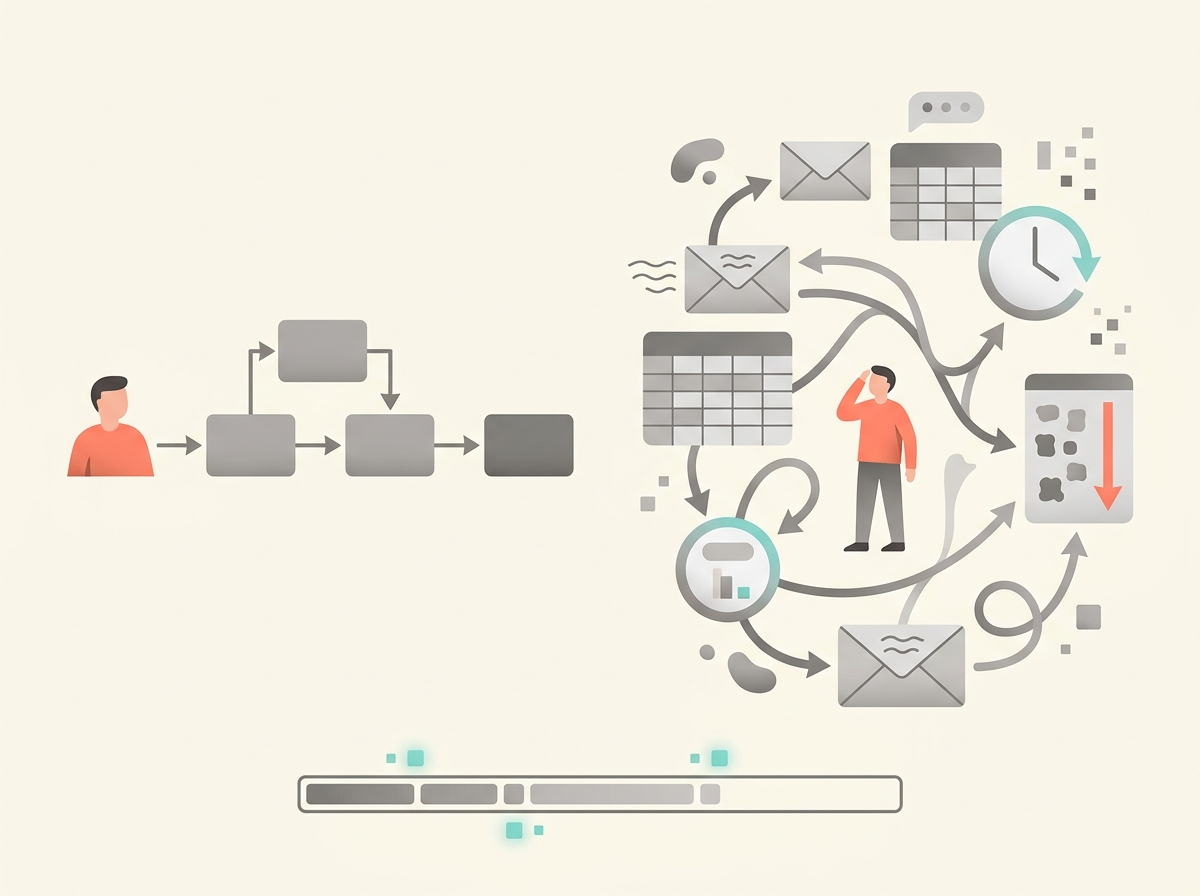
Process mining uses event logs from business systems to reconstruct how a process actually works. An event log is a record of what happened in a system: when a case was opened, who approved it, when it changed status, and when it closed. Process mining can show bottlenecks, rework, delays, and variations.
Task mining focuses on the desktop work people perform, such as copying data from one application into another. It can help identify repetitive work that might be automated. Because task mining may observe employee computer activity, it raises privacy and labor concerns. Organizations should be transparent about what is being collected and why.
UiPath’s annual filing describes process mining and task mining as part of its automation platform. Microsoft’s Power Automate materials also describe process and task mining as tools for understanding and optimizing processes before automating them. (UiPath, Inc.) (Microsoft Learn)
This is an important point for students: automation should not begin with the question, “Where can we use AI?” A better question is, “Where is the process slow, repetitive, error-prone, expensive, or frustrating?” AI is only useful when it improves a real process.
5. RPA bots, AI agents, and workflows are different tools
It is easy to confuse bots, agents, and workflows, so let’s separate them.
A workflow is the organized sequence of steps in a process. For example: receive request, classify request, ask for approval, update record, notify employee.
An RPA bot performs specific computer actions, usually through a user interface. It might open a website, enter data, download a report, and upload that report into another system.
An AI agent interprets information and chooses actions within limits. It might decide whether a request is about payroll, benefits, or facilities. It might choose which workflow to start. It might draft a response to a customer. But in responsible deployments, the agent is usually surrounded by rules, permissions, logs, and human review.
Microsoft’s 2025 annual report says Power Automate is part of its business applications portfolio, along with Dynamics 365 and Power Apps. The same report says Microsoft has seen large-scale use of Copilot and Copilot Studio, with more than 230,000 organizations using Copilot Studio to extend Microsoft 365 Copilot or build agents with low-code and no-code tools. (Microsoft) (Microsoft)
Microsoft’s Copilot Studio documentation also distinguishes deterministic flows from agent behavior. In plain English, a deterministic workflow is one where the same input should lead to the same result. That matters because many business processes, especially finance, HR, and compliance processes, need consistency and auditability. (Microsoft Learn)
The practical lesson is that companies are not simply replacing workflows with AI agents. They are often putting agents inside workflows.
6. What real deployments look like
A realistic AI-enabled automation often looks like this:
A request or document enters the system.
AI extracts or summarizes the information.
Rules check policy, amount, identity, or risk.
The workflow routes the item to the right person or system.
RPA or an API updates another application.
A human reviews exceptions or high-risk decisions.
The system logs what happened.
For example, consider employee onboarding. A new hire accepts an offer. The HR system creates an onboarding case. AI reads the job title and location. Rules decide which laptop, software, badge access, payroll setup, and training are needed. An RPA bot might enter data into an older facilities system. An API might create accounts in newer cloud systems. A manager approves unusual access. The employee receives automated instructions. The entire process leaves an audit trail.
Or consider customer support. A customer writes, “I was charged twice and the refund still has not arrived.” AI classifies the message as a billing issue, summarizes the complaint, detects frustration, and pulls relevant account details. A workflow checks refund status. If the case is simple, the system drafts a response for an agent. If the amount is large or fraud is suspected, the case is escalated.
Or consider public benefits. A state agency receives thousands of forms. RPA can move data between systems, while AI can help read forms and classify documents. But public benefits are high-stakes because errors can affect people’s food, housing, or medical care. A 2025 U.S. Department of Agriculture Food and Nutrition Service study of RPA in Supplemental Nutrition Assistance Program administration found that, as of January 2022, nine states were using RPA in SNAP. The study found some benefits, including lower payment error rates in one Georgia recertification process and cost benefits within one year for Georgia’s RPA use, but it also found limits in measurement and did not find significant improvement on every processing-time measure. (USDA Food and Nutrition Service)
That balanced result is useful. Automation can help, but it does not magically fix every process.
7. Who is using these tools?
Large software companies are building AI into automation platforms. UiPath reports thousands of large customers and says its platform combines RPA, AI agents, document understanding, process mining, task mining, and governance. In its 2026 annual filing, UiPath reported $1.85 billion in annual recurring revenue and 2,565 customers with at least $100,000 in annual recurring revenue, suggesting that automation platforms are already embedded in many organizations. (UiPath, Inc.)
Microsoft is integrating AI automation into Power Automate, Power Apps, Dynamics 365, Microsoft 365 Copilot, and Copilot Studio. These products matter because many organizations already run Microsoft software for email, documents, collaboration, identity, and business applications. Microsoft’s 2025 annual report says its business applications include Dynamics 365, Power Apps, and Power Automate, and it describes growth tied to AI-enabled tools and agentic scenarios. (Microsoft)
ServiceNow is embedding AI into IT, HR, customer service, procurement, security, legal, and operational workflows. Its annual filing emphasizes AI agents, human oversight, and enterprise workflow automation. (SEC)
SAP, a major enterprise resource planning vendor, is also adding AI to business processes. Enterprise resource planning, or ERP, means software that manages core business functions such as finance, procurement, inventory, supply chain, and human resources. SAP’s own 2025 release materials describe AI features, Joule agents, and SAP Build tools for process automation and AI-driven workflow design. Because this is vendor-published material, it should be read as product documentation rather than independent proof of results. (SAP News Center) (SAP)
Government agencies are also using automation. The U.S. General Services Administration’s Federal Automation Community of Practice says it includes more than 1,700 members from more than 100 federal departments and agencies, and that its 2025 inventory collected more than 3,000 automation use cases. (U.S. General Services Administration)
8. Why businesses use AI automation
The first reason is speed. A bot can move data or check records faster than a person doing repetitive keystrokes. AI can also reduce the time needed to read and summarize documents.
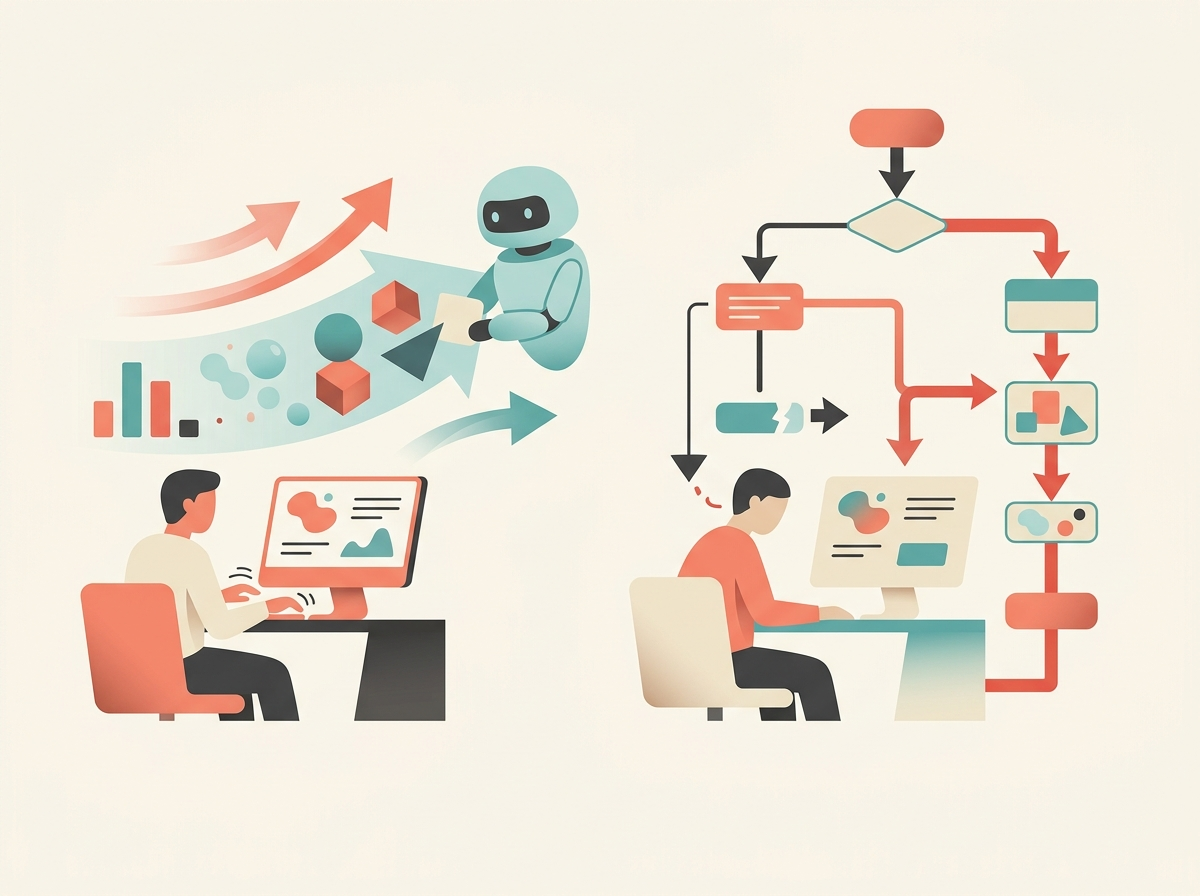
The second reason is consistency. A workflow can enforce the same routing rule every time. A human may forget a step at the end of a long day; software does not get tired. Of course, software can still be wrong if the rule is wrong, the data is wrong, or the AI model misreads the input.
The third reason is cost control. Organizations often have back-office work that grows with business volume: invoices, claims, tickets, account updates, compliance checks. Automation can help teams handle more work without hiring at the same rate. But students should be careful with dramatic cost-savings claims. Many vendor case studies report impressive percentages, but those numbers are often promotional unless the method is public.
The fourth reason is old-system integration. Many organizations still depend on legacy systems. A legacy system is an older technology that remains important even though it may be hard to modify. RPA can act as a bridge by using the same screens that human workers use.
The fifth reason is better measurement. A digital workflow can record when each step starts, where work waits, how many exceptions occur, and how often rework happens. That data can help managers improve the process.
9. The risks: bots can make mistakes faster than people
Automation risk is not imaginary. A bad manual process might create ten errors per day. A bad bot might create ten thousand errors before anyone notices.
The GSA Office of Inspector General audited GSA’s RPA program and found that the agency needed stronger security controls. The audit noted that bots can perform many read, write, and delete actions quickly, and it raised concerns about access controls, monitoring, and decommissioned bots. It also noted that a prior review found GSA did not have enough evidence to support some claimed savings because it was not consistently verifying hours saved or tracking costs.
This is a perfect example of why automation governance matters. A bot is not “just a script.” If it logs into systems, changes records, or moves data, it is a digital worker with permissions. It needs an owner, a purpose, a security review, access limits, monitoring, and a retirement plan.
AI adds more risks. A document model may extract the wrong amount from an invoice. A language model may summarize a complaint incorrectly. An agent may choose the wrong workflow. A chatbot may give an employee an outdated policy answer. These problems are especially serious in finance, healthcare, employment, public benefits, insurance, education, and legal settings.
The U.S. Office of Management and Budget’s 2024 government AI guidance emphasizes AI governance, innovation, and risk management, including minimum practices for AI uses that can affect rights or safety. NIST’s Generative AI Profile is designed to help organizations identify risks specific to generative AI and manage them across design, development, use, and evaluation. (NIST)
10. What good governance looks like
Good AI automation governance begins with an inventory. An inventory is a list of automations in use: what each one does, who owns it, which systems it touches, what data it uses, and what could go wrong.
Next comes access control. A bot should have only the permissions it needs. This is called least privilege. For example, a bot that reads invoice data should not also be able to change employee payroll records.
Organizations also need logs. A log is a record of what happened: what the bot did, when it did it, what data it used, and whether a human approved the action. Logs matter for debugging, security, compliance, and accountability.
Testing is essential. Before an automation goes live, teams should test normal cases, edge cases, and failure cases. An edge case is an unusual situation that may break the process, such as a negative invoice amount, a missing purchase order, a duplicate customer record, or a document in the wrong language.
Human review should be designed into the workflow. This is often called human-in-the-loop review. The point is not that humans must approve every tiny action. The point is that humans should review high-risk, uncertain, unusual, or irreversible actions.
Finally, organizations need change management. If a website layout changes, a screen-clicking bot may break. If a policy changes, an AI assistant may give old advice. If a model is updated, its behavior may change. Automation is not “set it and forget it.” It is a living system.
11. What this means for jobs
AI automation changes work, but not always in the simple “robots replace people” way. In many offices, the first tasks automated are repetitive data movement, document sorting, basic classification, status updates, and standard replies. People still handle exceptions, judgment calls, customer relationships, policy interpretation, and process improvement.
New roles are also growing around automation. A business analyst studies how a process works and where it breaks down. An RPA developer builds and maintains bots. A process owner is responsible for the performance of a business process. A data steward helps ensure that data is accurate and well governed. An AI governance specialist helps review risk, compliance, privacy, and accountability. A citizen developer is a business user who builds simple apps or workflows with low-code tools, usually under IT supervision.
For BIT students, the opportunity is not only to learn coding. It is to learn how business processes, data, systems, people, and controls fit together. The valuable worker is the person who can say: “Here is the process, here is the bottleneck, here is what should be automated, here is what should not be automated, and here is how we will measure whether it worked.”
12. Hands-on lab: design an AI-enabled invoice automation
This lab does not require paid enterprise software. You can complete it with a spreadsheet and any AI chatbot approved by your instructor. If you have access to Microsoft Power Automate Desktop, you can optionally build a small version of the workflow. Microsoft says Power Automate includes cloud flows, desktop flows, process and task mining, and AI-powered automation, but licensing varies; unattended desktop automation and premium features usually require paid plans. (Microsoft) (Microsoft)
Scenario
You work for a small company. Vendors send invoices by email. An accounting clerk opens each invoice, enters the information into a spreadsheet, checks whether the purchase order matches, and sends the invoice to a manager for approval. The company wants to automate the first review.
Sample data
Create a spreadsheet with these columns:
| Invoice ID | Vendor | Amount | PO Match? | Description | Due Date |
|---|---|---|---|---|---|
| INV-1001 | Northstar Office | 245.80 | Yes | Printer paper and toner | 2026-06-15 |
| INV-1002 | GreenGrid Energy | 3,850.00 | Yes | Monthly electricity service | 2026-06-20 |
| INV-1003 | Apex Consulting | 1,200.00 | No | Strategy workshop | 2026-06-18 |
| INV-1004 | Metro Catering | 480.00 | Yes | Lunch for training event | 2026-06-12 |
| INV-1005 | Unknown Vendor LLC | 775.00 | No | Rush service fee | 2026-06-10 |
Step 1: Map the current process
Write the current manual process in plain English:
Receive invoice → open attachment → read invoice → enter data → check purchase order → decide approval path → email manager → update spreadsheet → file invoice.
Now mark each step as one of three types:
Rule-based automation: predictable steps such as checking whether the amount is over $1,000.
AI assistance: language or document tasks such as summarizing the invoice description or classifying risk.
Human review: approvals, exceptions, suspicious vendors, missing purchase orders, or high-dollar invoices.
Step 2: Create automation rules
Use these rules:
If the amount is greater than $1,000, send to human review.
If “PO Match?” is “No,” send to human review.
If the vendor name includes “Unknown,” send to human review.
If none of those are true, mark as “auto-approval candidate.”
These rules are deterministic. They do not require AI.
Step 3: Add AI classification
Ask an AI tool to classify each invoice description as Low Risk, Medium Risk, or High Risk. Use a prompt like this:
You are helping review invoices. Classify each invoice as Low Risk, Medium Risk, or High Risk based only on the vendor name, amount, purchase order match, and description. Explain your reason in one sentence. Do not approve payment. Human reviewers make final decisions.
Add two new columns to the spreadsheet:
AI Risk Level
AI Reason
Then compare the AI classification with your deterministic rules. Did the AI notice anything your rules missed? Did it overreact? Did it make an assumption that was not supported by the data?
Step 4: Design the future process
Write the improved process:
Email receives invoice → document AI extracts fields → workflow checks rules → AI classifies risk → low-risk invoices become approval candidates → high-risk or uncertain invoices go to a human → approved invoices are posted to accounting system → all actions are logged.
In a real company, “posted to accounting system” might happen through an API. If no API exists, an RPA bot might enter the data into an older accounting application.
Step 5: Add governance controls
Add at least five controls:
A human must approve all invoices over $1,000.
A human must approve all invoices without a purchase order match.
The bot can only access the invoice folder and accounting screen it needs.
Every action is logged with date, invoice ID, and decision.
The workflow stops and alerts a person if required data is missing.
The AI classification is advisory, not final.
The automation owner reviews errors weekly.
Step 6: Test the automation
Create three test cases:
A normal low-dollar invoice with a matching purchase order.
A high-dollar invoice with a matching purchase order.
A suspicious invoice from a new vendor with no purchase order.
For each test case, write the expected result. This is how real automation teams think: not just “Can we build it?” but “How will we know it works, and what happens when it fails?”
Lab deliverable
Submit a one-page automation brief with four sections:
Process: What process are you automating?
AI role: What does AI do, and what does it not do?
Automation logic: What rules decide the routing?
Controls: How do you prevent errors, fraud, privacy problems, or unsafe approvals?
13. The main takeaway
AI tools are definitely being used in BPA and RPA. The most common pattern is not “AI replaces the whole process.” The real pattern is:
AI reads, classifies, summarizes, predicts, or drafts. Workflow software routes and records the work. RPA bots or APIs update systems. Humans review exceptions and high-risk decisions. Governance keeps the system accountable.
That combination is powerful because it matches how organizations actually operate. Businesses do not run on isolated AI tricks. They run on processes, systems, approvals, records, and responsibilities. AI becomes valuable when it helps those processes work faster, more accurately, and more transparently—without removing the controls that protect customers, employees, and the organization itself.