Chapter 9: AI Tools in Product Design and Development
Course Outcome
VCCS-9. Product Design and Development: Discuss AI’s impact on product development and innovation, including research, performance simulation, and accelerated innovation processes.
AI tools are already being used in product design and development, but not usually as “push a button and invent a product” machines. In 2026, the practical pattern is more ordinary and more important: AI is being added to the tools that product managers, designers, engineers, marketers, and software developers already use. It helps them summarize customer feedback, explore design alternatives, generate early mockups, write product requirements, produce code, run simulations, create test cases, and analyze post-launch data. The work is still human-led because product development involves tradeoffs: user needs, cost, safety, brand, manufacturability, legal risk, and timing.
1. What “product design and development” means
A product can be physical, digital, or both. A water bottle, a running shoe, a banking app, a medical device, a video game, and an electric vehicle dashboard are all products. Product design is the work of deciding what the product should be like: what problem it solves, who it serves, how it looks, how it feels, and how it behaves. Product development is the larger process of turning that idea into something real: researching users, writing requirements, designing prototypes, engineering the product, testing it, launching it, and improving it after release.
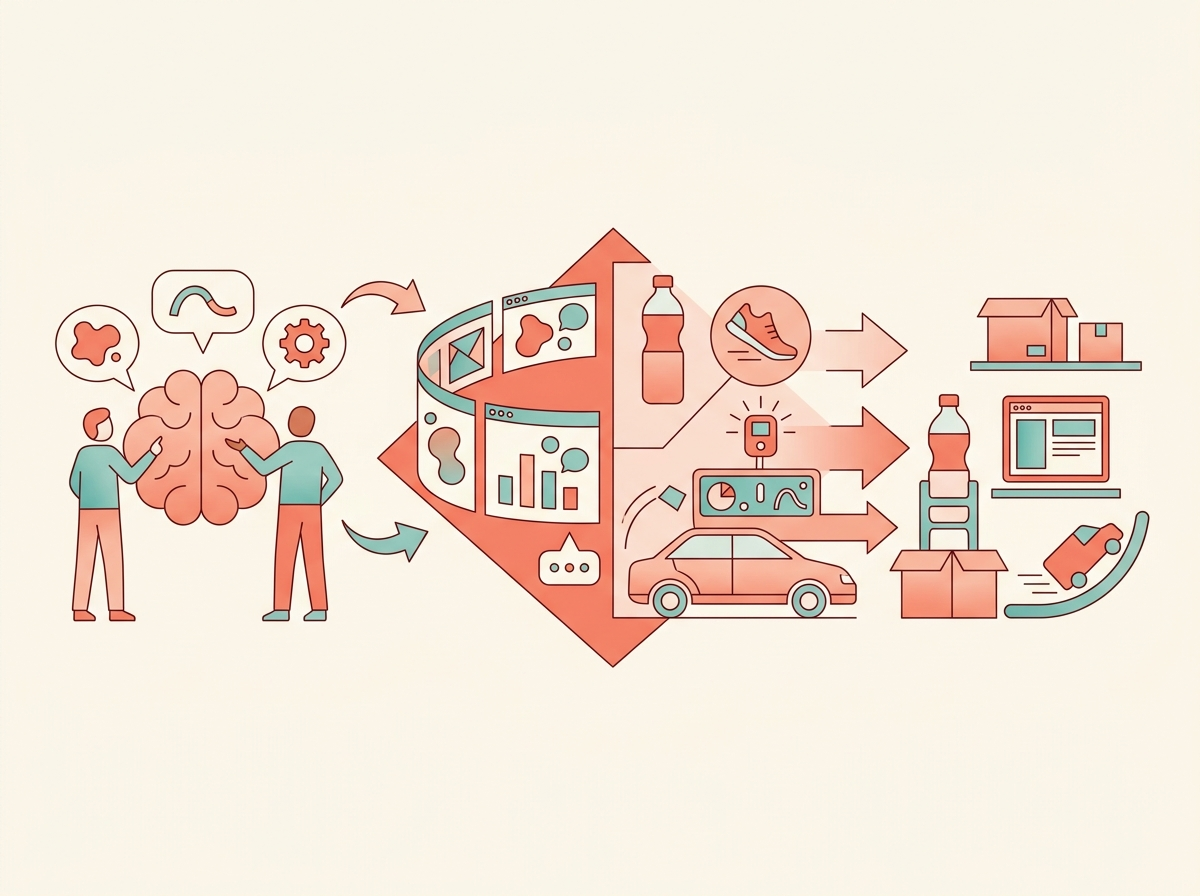
AI appears throughout that cycle. A 2025 academic review of AI in new product development found that AI is being applied across stages such as idea generation, design support, forecasting, recommendation, and optimization, but also warned that adoption is fragmented: many tools help one stage, while few connect the whole product lifecycle end to end. The same review notes that AI is often discussed too broadly, so useful analysis requires breaking product development into concrete phases and use cases. (Springer)
2. The AI terms you need first
Artificial intelligence, or AI, means computer systems that perform tasks associated with human intelligence, such as recognizing patterns, generating text, making predictions, or suggesting decisions. Machine learning is a common type of AI in which software improves by learning patterns from data rather than being programmed with every rule by hand. Generative AI is AI that creates new content, such as text, images, code, designs, audio, or 3D concepts. A large language model, or LLM, is a generative AI model trained on large amounts of text so it can respond to prompts, summarize information, draft documents, and help with code.
In product work, you will also hear CAD, which means computer-aided design: software used to create precise digital models of physical objects. UX, or user experience, is how a person experiences a product overall; UI, or user interface, is the screens, buttons, menus, and controls a user interacts with. A prototype is an early version of a product used for learning before full production. A product requirements document, or PRD, describes what a product or feature should do and why. A digital twin is a digital model of a real product, machine, factory, or process that can be used for simulation and “what if” testing before changing the real-world version.
3. AI in customer discovery: turning messy feedback into usable signals
The earliest product question is not “What can we build?” but “What problem is worth solving?” Product teams collect support tickets, app reviews, survey answers, sales notes, interview transcripts, call recordings, and usage data. AI tools help by summarizing long conversations, clustering similar complaints, detecting sentiment, and finding repeated themes. Sentiment analysis means using software to estimate whether text expresses positive, negative, or neutral attitudes.
For example, Productboard, a product-management software vendor, describes AI features that summarize customer feedback, help write feature briefs, and surface insights from long conversations. Its page also states that Productboard AI is powered by OpenAI and that customer data is not used to train models for other customers. Because this is vendor-published information, it should be treated as a description of product capability, not as independent proof of business value. (Productboard)
This use is attractive because product teams often drown in feedback. A product manager may have hundreds of comments like “the checkout page is confusing,” “I couldn’t find the return button,” and “the app froze after payment.” AI can group those into themes such as navigation problems, payment reliability, and unclear language. But AI does not automatically know which complaint matters most. A loud group of users may not represent the whole market. A summary may hide a crucial detail. Good teams therefore use AI as a sorting assistant, then verify findings against actual evidence.
4. AI in idea generation and concept design
Once a team understands a problem, it explores possible solutions. This is where generative AI became very visible. Designers can ask an AI tool to generate mood boards, packaging variations, interface sketches, product names, landing-page copy, visual styles, or early screen layouts. This helps teams create many options quickly, especially at the “rough draft” stage.
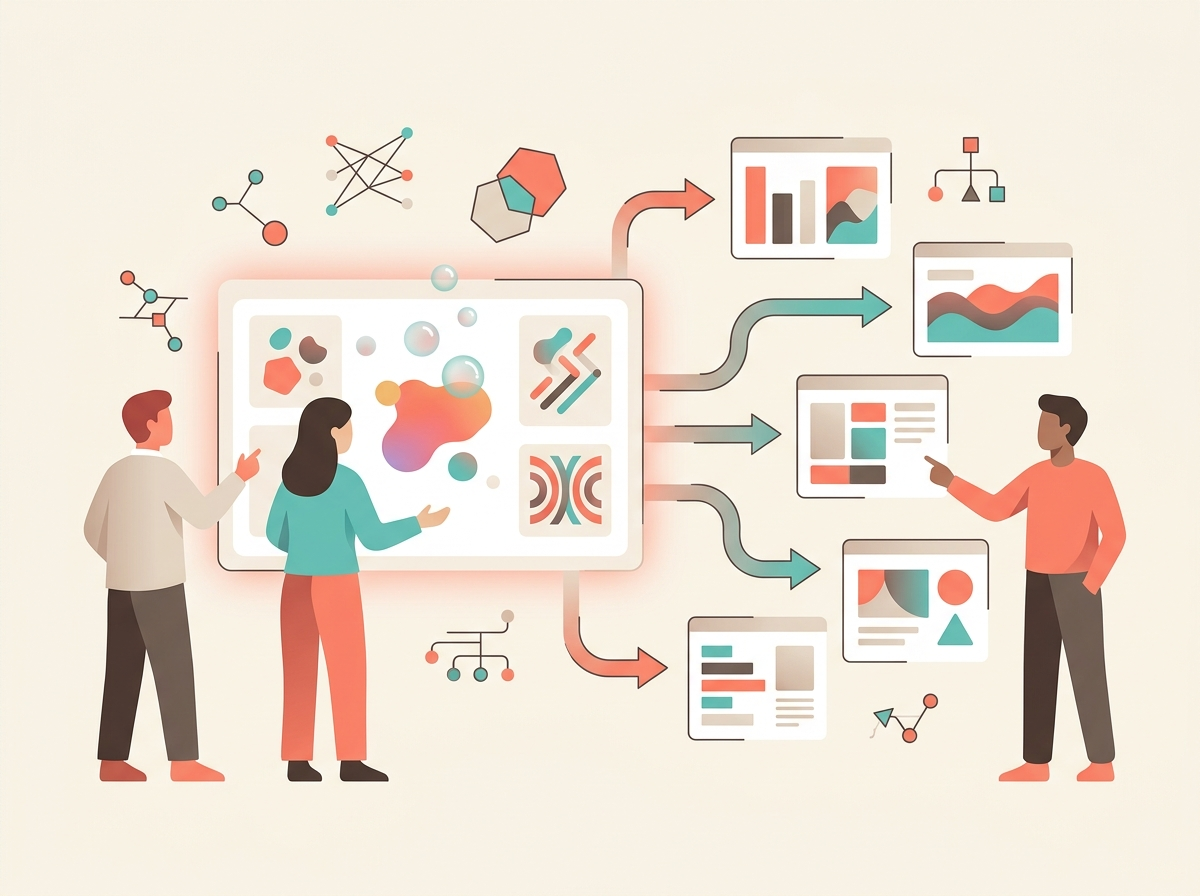
Adobe’s 2025 annual report describes Firefly as a family of creative generative AI models spanning image, video, vector, audio, and more. It says Firefly is built into Adobe products and can create or edit images, videos, text effects, design templates, vector graphics, and audio through natural language prompts and reference assets. Adobe also describes Firefly Custom Models and Firefly Foundry, which let enterprises train or tune models around their own brand, product, or intellectual-property styles, and Firefly Services, which provides APIs for content generation, editing, and assembly. (Adobe)
This matters for product design because the early concept stage is visual and iterative. A team designing a new backpack, snack package, or mobile app onboarding flow can generate multiple directions before choosing one to refine. However, “more ideas” is not the same as “better ideas.” Generative AI models learn from existing data, so they tend to remix familiar patterns. The 2025 product-development literature review warns that overreliance on historical data may favor incremental improvements over radical innovation. (Springer)
5. AI in UX/UI design and interactive prototypes
Digital product teams are using AI inside tools such as Figma, which is widely used for collaborative interface design. In 2026, Figma reported that its Q4 2025 net dollar retention rate rose to 136% “as Figma drove platform and AI adoption.” The same report said weekly active users of Figma Make grew over 70% quarter over quarter, and that more than half of paid customers with over $100,000 in annual recurring revenue were building in Figma Make weekly during the three months ending December 31, 2025. (Figma Investor Relations)
Figma Make is an AI-assisted product that lets users start with a design and prompt their way to a functional prototype. Figma describes it as helping teams create high-fidelity prototypes, apply styling context from a design system, refine selected parts of a design through prompts, and connect to Supabase, a backend platform, to build apps with real data. (Figma)
This is a major shift in UX/UI work. A design system is a reusable set of colors, typography, components, and rules that helps a company’s products feel consistent. Instead of manually creating every prototype screen, a designer may ask AI to produce a first version of a flow: “Create a three-step account setup process for a college student budgeting app.” Then the human designer adjusts hierarchy, accessibility, wording, spacing, and brand fit.
The honest limitation is that an AI-generated prototype can look finished before it is actually good. It may use confusing labels, create inaccessible contrast, ignore edge cases, or produce interactions that are hard to implement. Professional design still requires critique, user testing, and attention to details such as keyboard navigation, screen-reader support, and error states.
6. AI in product requirements and team coordination
Product development is full of writing: product briefs, PRDs, user stories, meeting notes, acceptance criteria, bug reports, sprint plans, and launch checklists. AI is now being embedded into collaboration platforms to reduce that paperwork.
Atlassian’s 2025 Form 10-K describes Rovo as its advanced AI offering for helping teams locate information, understand it, and take action with specialized agents. It lists Rovo Enterprise Search, Rovo Chat, and Rovo Studio, and says Atlassian has embedded AI capabilities across its platform so customers can get AI-powered productivity enhancements across Atlassian and connected third-party applications. (SEC)
An AI agent is software that can use AI to pursue a task, sometimes by taking actions in other tools. In product work, an agent might turn meeting notes into Jira issues, draft a PRD, summarize a design review, or find related customer complaints. But responsible teams keep humans in the approval loop. A PRD written by AI can sound confident while missing the business context, user evidence, or technical constraint that actually matters.
7. AI in physical product engineering: generative design and simulation
Physical product development uses a different set of AI tools. Generative design is a method where engineers define goals and constraints—such as weight, strength, material, load, connection points, manufacturing method, and forbidden spaces—and software generates possible designs. Topology optimization is a related engineering technique that removes or redistributes material while trying to preserve strength or performance.
NASA’s Goddard Engineering and Technology Directorate describes its Evolved Structures work as using generative design and digital manufacturing to automate and optimize spacecraft and science-instrument structures. NASA says this improves structural performance by 3x and reduces development time and cost by 10x. Its article explains that a CAD specialist begins by defining mission requirements, connection surfaces, bolts, electronics, optical paths, and areas that must remain open for assembly; then the AI “connects the dots” and can produce complex structure designs in an hour or two. NASA also notes that the algorithms still need a human eye because they can make structures too thin if left unchecked. (Goddard Engineering)
A 2025 open-access engineering study shows the same idea at a smaller scale. Researchers used Autodesk Fusion 360 to generate multiple design variants for a sports go-kart steering wheel under defined loads and manufacturing constraints. Their final 3D-printed ASA polymer prototype achieved a 60% mass reduction while maintaining validated mechanical performance. (ScienceDirect)
In aerospace, GE Aerospace announced in May 2026 that its researchers demonstrated an in-house generative AI app that produced a preliminary design layout for a hypersonic ramjet engine in seconds. GE described this as early design-study work, not a finished certified engine, and said the app allowed engineers to consider multiple flight conditions and scenarios. (GE Aerospace)
The pattern is clear: AI is strong at exploring many options within constraints. Engineers are still responsible for the constraints, validation, testing, safety, manufacturability, and certification.
8. AI in digital twins and manufacturing planning
For complex products, development does not stop at the object itself. Teams also need to design the process that will build it. This is where digital twins are important. A digital twin lets teams simulate a product, production line, or factory before committing money to physical changes.
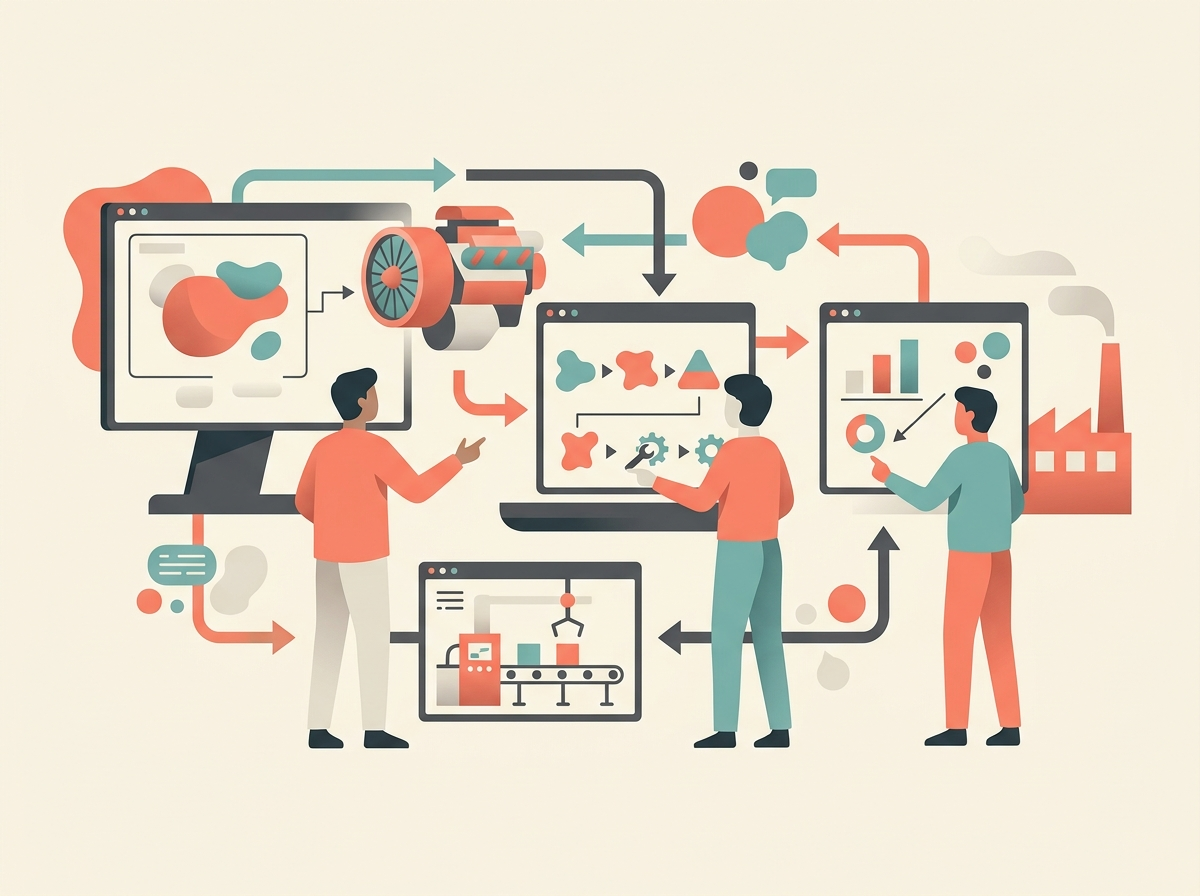
Siemens describes its Xcelerator industrial software portfolio as centered on the digital twin and says a physics-based digital twin combines mechanical, electrical, and software information to help customers make real-world decisions faster and with more confidence. Siemens also says it is applying AI capabilities to design and simulation tasks, such as running many simulations for turbine-blade cooling in the time it previously took to run one. (Siemens Assets)
In October 2025, Siemens and NVIDIA announced a technology stack, still in development, integrating Siemens Xcelerator and NVIDIA Omniverse for advanced factory digital twins. Their press release says the system is intended to bring 3D visualization, simulation, and factory data into one environment and to use AI to simulate hundreds of potential factory layouts. Because this is a vendor partnership announcement, it is evidence of where major suppliers are building capability, not proof that every manufacturer has already achieved those results. (Siemens Press)
9. AI in software product development
For digital products, the development stage often means software engineering. AI coding assistants are now one of the clearest examples of AI deployment in product development. These tools help developers autocomplete code, explain unfamiliar codebases, write tests, draft documentation, refactor code, and review pull requests. A pull request is a proposed code change submitted for review before being merged into a shared codebase.
Microsoft stated in its FY2025 Q4 earnings call that GitHub Copilot had 20 million users, that GitHub Copilot Enterprise customers increased 75% quarter over quarter, and that 90% of the Fortune 100 used GitHub Copilot. Microsoft also said AI projects on GitHub more than doubled over the previous year and that coding agents such as Claude Code, Codex, Cursor, and GitHub Copilot were generating more pull requests and repositories. (Microsoft)
Independent user sentiment is more mixed. Stack Overflow’s 2025 Developer Survey reported that 84% of respondents were using or planning to use AI tools in their development process, with 51% of professional developers using AI tools daily. But the same survey reported that positive sentiment toward AI tools had fallen to about 60%, down from more than 70% in 2023 and 2024. It also found strong resistance to using AI for high-responsibility tasks such as deployment and monitoring or project planning. (Stack Overflow Insights)
Google Cloud’s 2025 DORA research surveyed nearly 5,000 technology professionals and found broad AI adoption in software development, with 90% using AI at work and more than 80% saying AI increased productivity. But DORA’s central warning is important: AI “amplifies what’s already there.” Strong teams can get stronger; weak workflows can become more unstable because AI increases the volume of change faster than testing, review, and feedback systems can handle. (Google Cloud)
10. How usage differs by business size
Small businesses and startups often use AI because it reduces the cost of first drafts. A founder can summarize customer interviews, create landing-page copy, generate mockups, build a demo, and draft investor or product documents with inexpensive tools. The benefit is speed. The risk is false confidence: a polished prototype can hide weak research, unclear strategy, or insecure code.
Mid-sized businesses usually care about integration. They may already use Jira, Confluence, Figma, GitHub, Adobe, Slack, Microsoft 365, or Google Workspace. For them, AI becomes valuable when it works inside the team’s existing information flow: turning support tickets into feature ideas, linking PRDs to engineering tasks, searching internal knowledge, or generating release notes.
Large enterprises care most about control. They need security, privacy, intellectual property protection, audit trails, access permissions, and compliance. That is why company disclosures often emphasize private data controls, enterprise search, model customization, and permission-aware agents. Adobe highlights enterprise-customized Firefly models and brand guardrails; Atlassian describes permission-aware AI across its platform; and Siemens emphasizes digital-thread data and physics-based validation for industrial AI. (Adobe)
11. What AI is good at—and what it is not good at
AI is good at accelerating blank-page work. It can produce first drafts, generate alternatives, summarize large text sets, convert rough ideas into mockups, suggest code, and explore engineering design spaces. It is especially useful when the task has many possible answers and humans can judge the output.
AI is weaker when the cost of being wrong is high. It may invent facts, misunderstand users, ignore rare edge cases, leak sensitive information if used carelessly, reproduce bias from training data, or generate code that appears correct but fails under real conditions. In safety-critical fields such as aerospace, medical devices, finance, and automotive systems, AI output must be verified through engineering review, testing, documentation, and regulatory processes.
NIST’s AI Risk Management Framework is a helpful reality check. NIST says trustworthy AI should be valid and reliable, safe, secure and resilient, accountable and transparent, explainable and interpretable, privacy-enhanced, and fair with harmful bias managed. Those qualities do not appear automatically just because a tool is impressive; teams have to design review processes around them. (NIST AI Resource Center)
12. Hands-on lab: Use AI to design a product concept responsibly
Goal: Create an AI-assisted product concept while keeping humans responsible for judgment.
Time: 60–90 minutes.
Tools: Any general AI chatbot, a document editor, and optionally a design tool such as Figma, Canva, PowerPoint, or paper sketches.
Scenario: Your college wants to reduce long cafeteria lines between 11:30 a.m. and 1:00 p.m. Design a simple product or feature that helps students order, pick up, or choose food faster.
Step 1: Define the problem
Write a two-sentence problem statement without AI first.
Example: “Students lose time waiting in cafeteria lines during peak hours. The college needs a low-cost way to reduce wait times without excluding students who do not want to use an app.”
Now ask AI:
Act as a product manager. Given this problem statement, list five user groups, five likely pain points, and five assumptions we would need to test. Keep the language simple.
Review the answer. Circle any assumption that AI invented without evidence.
Step 2: Create research questions
Ask AI:
Create eight interview questions for students and three interview questions for cafeteria staff. The questions should not pressure people toward a specific solution.
Choose the best five student questions and two staff questions. Rewrite them in your own words.
Step 3: Analyze sample feedback
Use this fictional feedback set:
“I only have 10 minutes between classes.”
“The line is long, but I also want to see what food looks fresh.”
“I tried mobile ordering at another school and my food was cold.”
“I do not want another app.”
“The cafeteria staff are working hard; the bottleneck is payment.”
“I have food allergies and need clear ingredient labels.”
“I would preorder if pickup times were accurate.”
“Sometimes the menu online is wrong.”
Ask AI:
Group these comments into themes. For each theme, quote the exact feedback numbers that support it. Do not add information that is not in the comments.
Check whether the AI used the evidence correctly. If it creates a theme with no supporting comment, mark it as a hallucination.
Step 4: Generate three concepts
Ask AI:
Based only on the themes above, propose three product concepts. Include one app-based idea, one non-app idea, and one hybrid idea. For each, list benefits, risks, and what we would test first.
Score each concept from 1 to 5 on user value, feasibility, cost, risk, and fairness. The best concept is not always the most exciting one; it is the one that solves the problem under real constraints.
Step 5: Draft a mini PRD
Ask AI:
Draft a one-page product requirements document for the selected concept. Include goal, non-goals, target users, user stories, acceptance criteria, risks, and success metrics.
A user story is a simple sentence describing what a user needs, often written as: “As a [type of user], I want [goal], so that [benefit].” Acceptance criteria are conditions that must be true before the feature is considered done.
Edit the PRD. Add at least three human corrections.
Step 6: Prototype
Create a rough prototype. This can be a hand sketch, slide, or Figma mockup. Use AI only to suggest layout ideas or wording. Do not let AI be the final judge of usability.
Test your prototype with one classmate. Ask them to complete a task such as “Find today’s vegetarian option and choose a pickup time.” Record where they hesitate.
Step 7: AI risk check
Use this checklist:
| Question | Your answer |
|---|---|
| What did AI help with? | |
| What evidence did we actually have? | |
| What did AI assume? | |
| What user group might be left out? | |
| What private data would this product collect? | |
| What could go wrong if the system is inaccurate? | |
| What must a human approve before launch? |
Your final deliverable is a one-page concept summary, one prototype image or sketch, and the completed risk checklist.
Key takeaway
AI tools are absolutely being used in product design and development. The best way to understand them is not as replacements for designers, product managers, or engineers, but as accelerators inside the product workflow. They help teams move faster from messy input to structured options. They help create drafts, prototypes, simulations, and code. But the important decisions—what problem matters, what tradeoff is acceptable, what is safe, what is fair, what is legally usable, and what should ship—still belong to accountable human teams.